Benefits of Qvidian for Microsoft Outlook
Qvidian for Outlook bridges the gap between your inbox and your most valuable content, turning a tedious process into an automated, collaborative workflow. By embedding trusted content directly into your email client, it removes the friction that slows deals down, ensuring that every message sent is approved and on-brand.
Work where your workflow starts
Bring inbox-native productivity to your proposal process by responding to RFP requests, clarifications, and customer questions directly within Outlook.
Deliver faster, more consistent responses
Instantly reuse approved, high-quality content stored in your Qvidian Library, to respond in minutes while ensuring accuracy and brand consistency.
Unlock an end-to-end Microsoft 365 experience
Create a consistent experience between Qvidian for Outlook, Word, Excel, PowerPoint, and Qvidian for Web.
Key features of Qvidian
for Microsoft Outlook
Key features of Qvidian
for Microsoft Outlook
Use the left and right arrow keys to move between tabs. Swipe or drag to scroll through more tabs. Press Enter or Space to activate a tab.
Embed Qvidian content library
Embed Qvidian content library
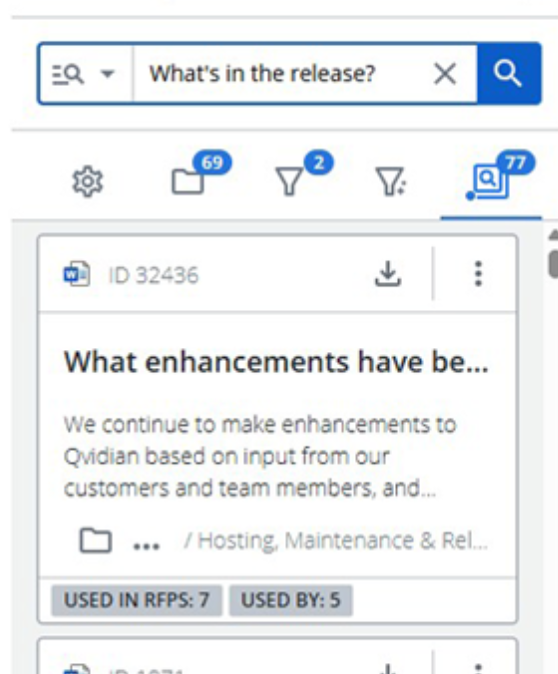
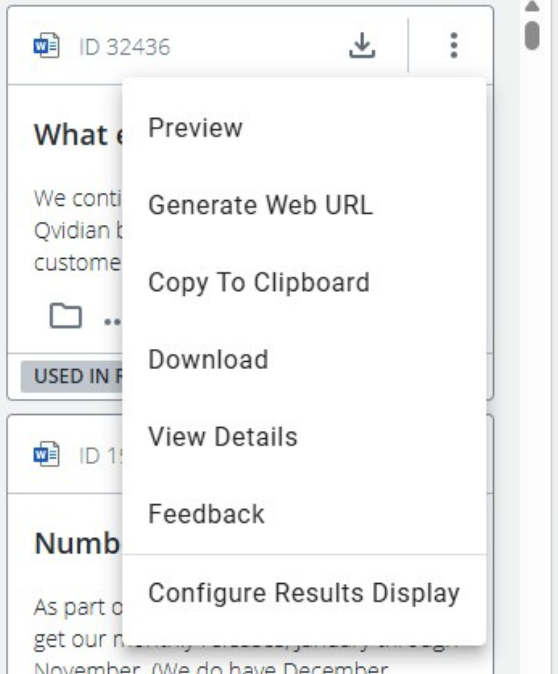
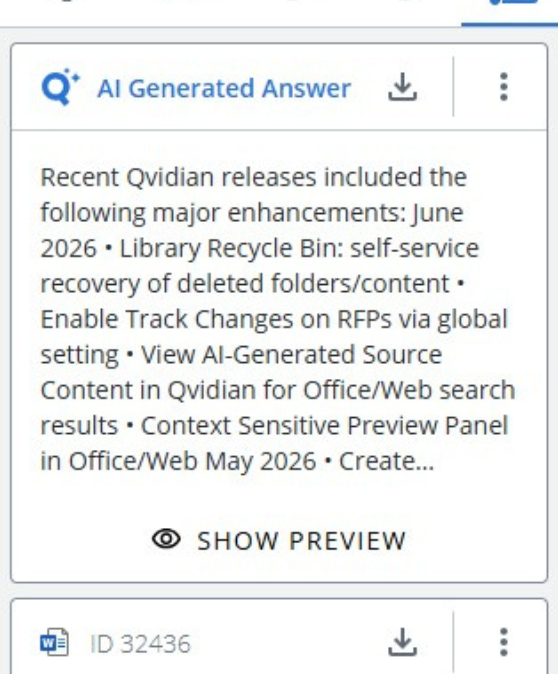
Access your full Qvidian library directly in Outlook. Search and use approved content when composing or responding to emails.

FAQs about Qvidian for Microsoft Outlook
FAQs about Qvidian for Microsoft Outlook
-
Qvidian for Outlook is an integration that brings Qvidian’s AI-powered content library directly into the Microsoft Outlook experience, allowing users to search, find, and insert approved proposal content without leaving their inbox.
-
Qvidian for Outlook is available to licensed Qvidian users.
-
Users can instantly search Qvidian’s content library and insert the best-fit, approved responses, reducing response times from hours to minutes.
-
Yes. All content is pulled from Qvidian’s centralized, governed library, ensuring responses are consistent, up-to-date, and on-brand.
-
Yes. AI generates customer answers by sourcing approved library content, revising text or creating custom answers, with more efficient content insertion. (AI Assist Optional)
-
Available on the Microsoft App Store
Log in using standard Qvidian credentials
Ensure required permissions are enabled by your Qvidian administrator
-
No. Qvidian for Outlook is included at no additional cost for licensed users.
-
It enables teams to work where they already operate (email), increases adoption, improves response speed, and ensures consistent, high-quality customer communications.